


 Click it and Unblock the Notifications
Google Introduces Auto-Archiving Feature to Reduce App Uninstallation for More Storage Space

Google has introduced an app archiving feature on Android smartphones that allows users to manage their storage space on phones effectively, without the need for uninstalling apps each time they run into storage space issues.
The app feature essentially shrinks the size of an app by 60% so that users can continue to benefit from not having to remove the app entirely every single time for making more storage space. App developers also benefit from user retention and uninstallations.
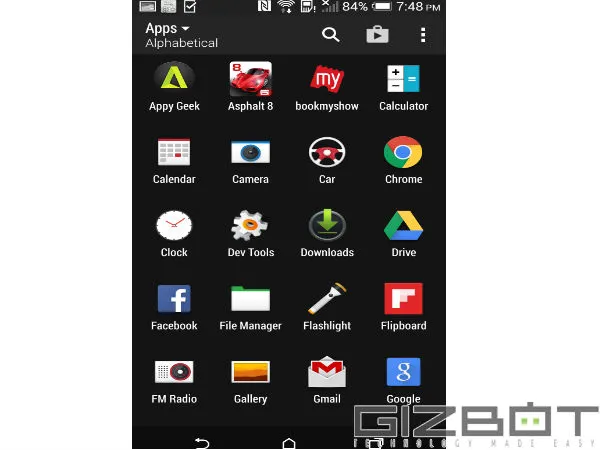
The feature allows users to keep all their data and updates on the app intact, while also retaining the app icon on their phones. In a user's device, the app icon will feature a "cloud" indicating that the app has been archived and needs to be downloaded again.
To save space, Google deletes some parts of the app's code and resources, to reduce the amount of space it takes on the user's phone. In case a user wants to re-use the app, Google then downloads it again from the Play Store.
However, do note that all apps are not yet eligible for the auto-archive feature. Apps need to be created with an App Bundle format that pre-emptively only downloads the necessary resources of the app to the smartphone.
The auto-archive feature can be utilized when the smartphone reaches full storage space. In such a situation, when a user wants to download another app, a popup comes up on the screen asking the user if they want the auto-archive feature to be enabled.
On selecting the option, Google automatically begins to archive unused apps, thereby freeing up space.
Chang Liu and Lidia Gaymond, Product Managers, at Google Play, said about the auto-archiving feature, "Sometimes, users don't need to delete an entire app to free up some space on their phone. They can just shrink it instead. That's what auto-archive does. It helps users keep their apps and data, but use less storage. It also helps developers keep their apps on users' phones."
-
 1,29,999
 -
 22,999
 -
 64,999
 -
 99,999
 -
 29,999
 -
 39,999
 -
-
 63,999
 -
 1,56,900
 -
 96,949

-
 1,39,900
 -
 1,29,900
 -
 79,900
 -
 65,900
 -
 12,999
 -
96,949
-
 16,499
 -
 38,999
 -
 30,700
 -
 49,999
-
 19,999
 -
 17,970
 -
 21,999
 -
 13,474
 -
 18,999
 -
 22,999
 -
 19,999
 -
 17,999
 -
 26,999
 -
 5,999
5,999
-1763362932432.svg)

 Continue with Google

