


 Click it and Unblock the Notifications
WhatsApp’s Companion Mode Rolled Out for All Beta Users

WhatsApp beta users can now use their WhatsApp accounts on multiple devices. Called Companion Mode, this feature was initially rolled out to a select few beta users last year in November and has now been rolled out to all WhatsApp beta users.
The feature allows four devices to be linked simultaneously, out of which two smartphones can be used together at the same time. Do note that the linking process does not require any internet connection on the primary device.
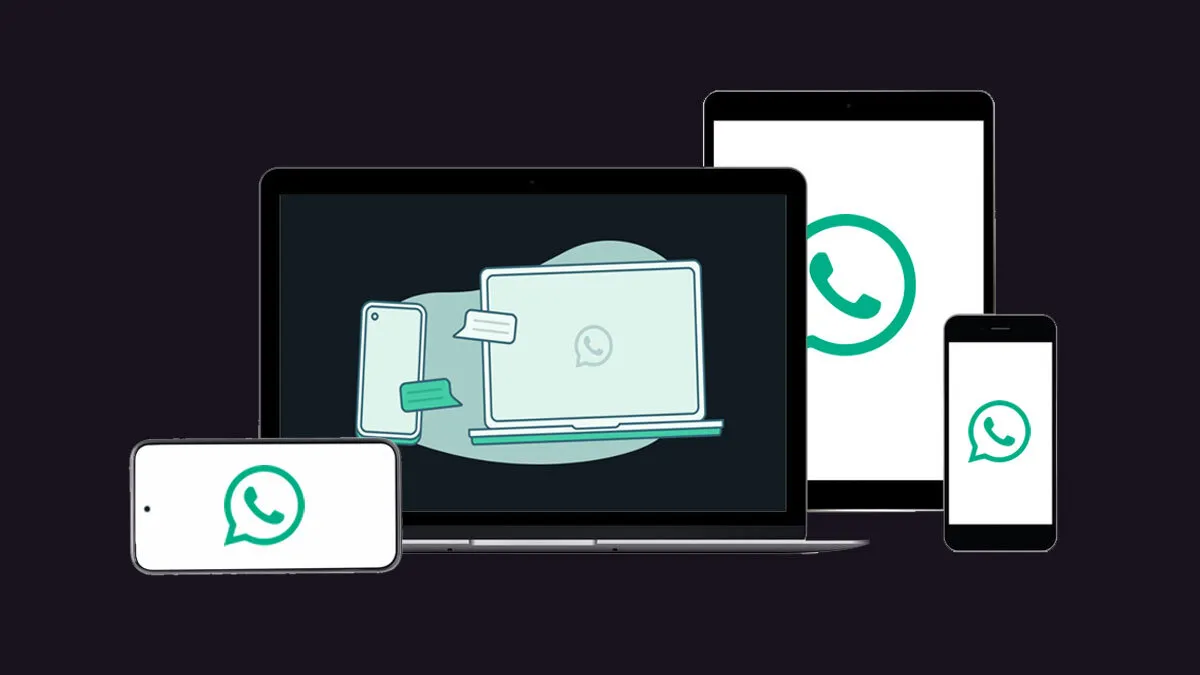
The WhatsApp Companion Mode is available in the Android app version 2.23.8.2 and later. However, there's something for iPhone users as well. The feature allows iPhone users to connect to an Android smartphone as a secondary device.
WhatsApp has said that the feature will appear to all beta users in around 24 hours after they download and install the WhatsApp app version. Do keep in mind that to access this feature, users need to be enrolled in the WhatsApp beta program.
The feature has been rolled out to regular as well as WhatsApp Business accounts. Also, WhatsApp has preserved end-to-end encryption on all linked accounts as well, so one need not worry about security.
How to Link Multiple WhatsApp Accounts?
To link another account, download the WhatsApp Beta app (v2.23.8.2) from the Play Store onto the secondary device that you want to link.
Install the app on your device. As mentioned earlier, the feature could take up to 24 hours to show up on your WhatsApp account post-installation.
When the page for a phone number opens up, click on the three-dot menu at the top right and click on the "Link a Device" option. A QR code will come up, which needs to be scanned by your primary device.
To link the device to your primary device, click on Settings on your primary phone. Select Linked Devices and scan the QR code on the secondary device.
This allows your devices to be linked as companion devices. You can follow the same process for three more devices.
The user's chat history will automatically be synced with their linked devices. Also, note that a few features, such as live locations, broadcast lists, and stickers may not be available since it is still a beta version.
Source: wabetainfo
-
 54,999
 -
 99,999
 -
 1,44,900
 -
 89,998
 -
 46,500
 -
 57,998
 -
 53,989
 -
 1,59,999
 -
 1,29,999
 -
 99,999
-
 70,499
 -
 1,56,900
 -
 1,30,990
 -
 17,084
 -
 16,999
 -
 30,999
 -
 9,999
9,999 -
 79,900
 -
 8,999
8,999 -
 79,999
-
 20,999
 -
 37,999
 -
 25,999
 -
 31,999
 -
 24,999
 -
 10,999
 -
 15,999
 -
 45,999
 -
 19,499
 -
 1,61,999
-1763362932432.svg)

 Continue with Google

