


 Click it and Unblock the Notifications
Microsoft Launches “Verified” LinkedIn Accounts: Indian Users Need Aadhaar, Phone Number To Confirm Identity

Microsoft has opened up identity verification for LinkedIn accounts. Indian users can easily authenticate their identity on the social media platform for professionals using government-issued identity cards such as Aadhaar.
LinkedIn has nearly 100 million users in India. Microsoft has partnered with a third-party identity verification service to allow Indian LinkedIn users to verify their identity on the platform. The process is free and relies on an Aadhaar card and registered mobile phone number. Let's see how to get a verified LinkedIn account in India.
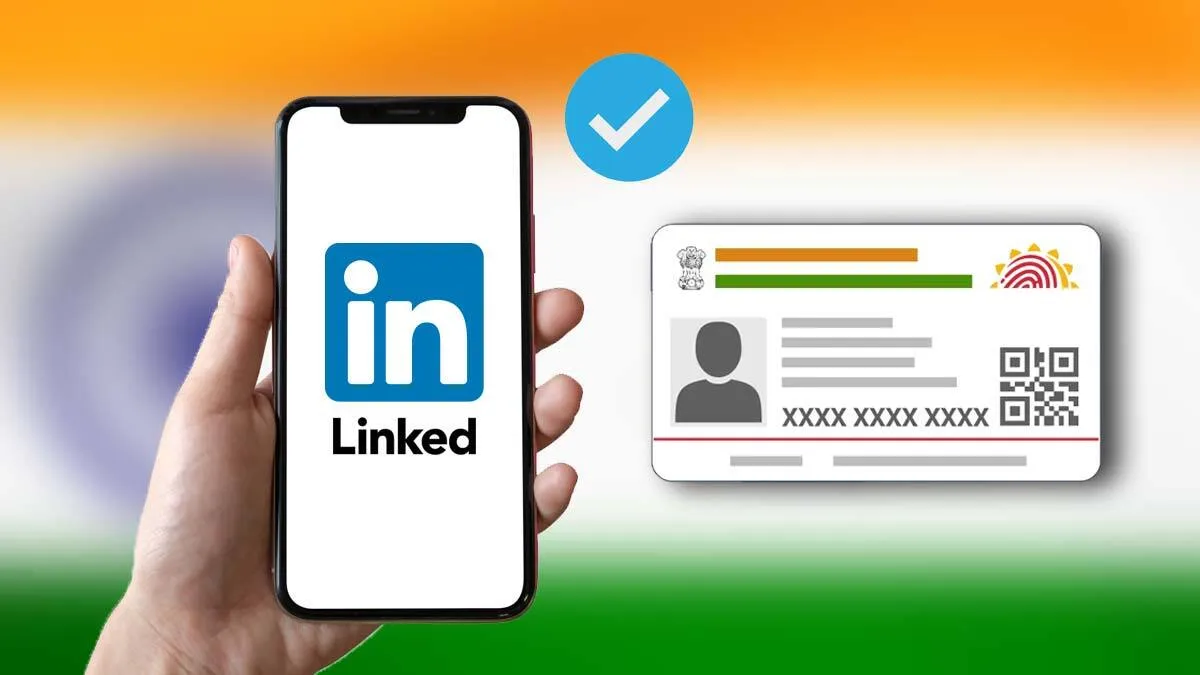
Microsoft Launches LinkedIn Account Verification For India Users
Microsoft-owned LinkedIn has introduced a new identity verification feature. The business and employment-focused social media platform is offering this service for free to all the 100 million customer base in India. Speaking about the new feature, Ashutosh Gupta, Country Manager, LinkedIn India, said:
"With nearly a billion members around the globe using LinkedIn to connect, seek employment, and share knowledge, we recognize the paramount significance of safety, trust, and authenticity on the platform. Therefore, we are excited to introduce the new identity verification feature for more than 100 million members in India that will help build trust with your professional community."
How To Get A Verified LinkedIn Account?
A verified LinkedIn account isn't that different from the new Twitter account with a Twitter Blue subscription. Simply put, the Microsoft-owned platform is allowing Indian users to verify their identity.
This feature will be valid and free to all eligible LinkedIn members in India. To ensure validity and eligibility, Indian users need an Aadhaar card, a registered mobile phone number, a DigiLocker account, and a LinkedIn account.
Users will need to have an active DigiLocker account, which is a free account issued by the Government of India. Users who do not have a DigiLocker account can sign up for it automatically.
To begin the process of verifying identity on a LinkedIn account, log into LinkedIn and head over to the "About this profile" section. Tap on the 'Verify with Aadhaar' to initiate the verification process.
Enter the Aadhaar number on the Digilocker screen. Users will receive an OTP on the registered mobile number.
After completing a "liveness" check, a selfie needs to be taken to do a facial match with the Aadhaar photo. When the DigiLocker platform asks, tap on "Yes, Share with LinkedIn". This will add the verification to the LinkedIn profile.
HyperVerge, a third-party identity verification service, uses the DigiLocker backend to offer the account verification process to LinkedIn.
Why Verify Identity For A LinkedIn Account?
The verification process on LinkedIn is completely voluntary. However, owning a verified LinkedIn account could significantly enhance a member's credibility when engaging with other professionals, and can help open doors to new opportunities, said the company.
LinkedIn does not have access to any sensitive or personal data from Aadhaar, clarified the company. LinkedIn only receives the name, city (state and country), and year of birth.
Incidentally, even this information is not visible to others but may be used for security purposes. Moreover, LinkedIn will also not have access to the documents that may be stored in the users' Digilocker accounts.
-
 1,29,999
 -
 22,999
 -
 64,999
 -
 99,999
 -
 29,999
 -
 39,999
 -
-
 63,999
 -
 1,56,900
 -
 96,949

-
 1,39,900
 -
 1,29,900
 -
 79,900
 -
 65,900
 -
 12,999
 -
96,949
-
 16,499
 -
 38,999
 -
 30,700
 -
 49,999
-
 19,999
 -
 17,970
 -
 21,999
 -
 13,474
 -
 18,999
 -
 22,999
 -
 19,999
 -
 17,999
 -
 26,999
 -
 5,999
5,999
-1763362932432.svg)

 Continue with Google

