


 Click it and Unblock the Notifications
Samsung Galaxy Watch 5 Gets New Update for Temperature-Based Cycle Tracking

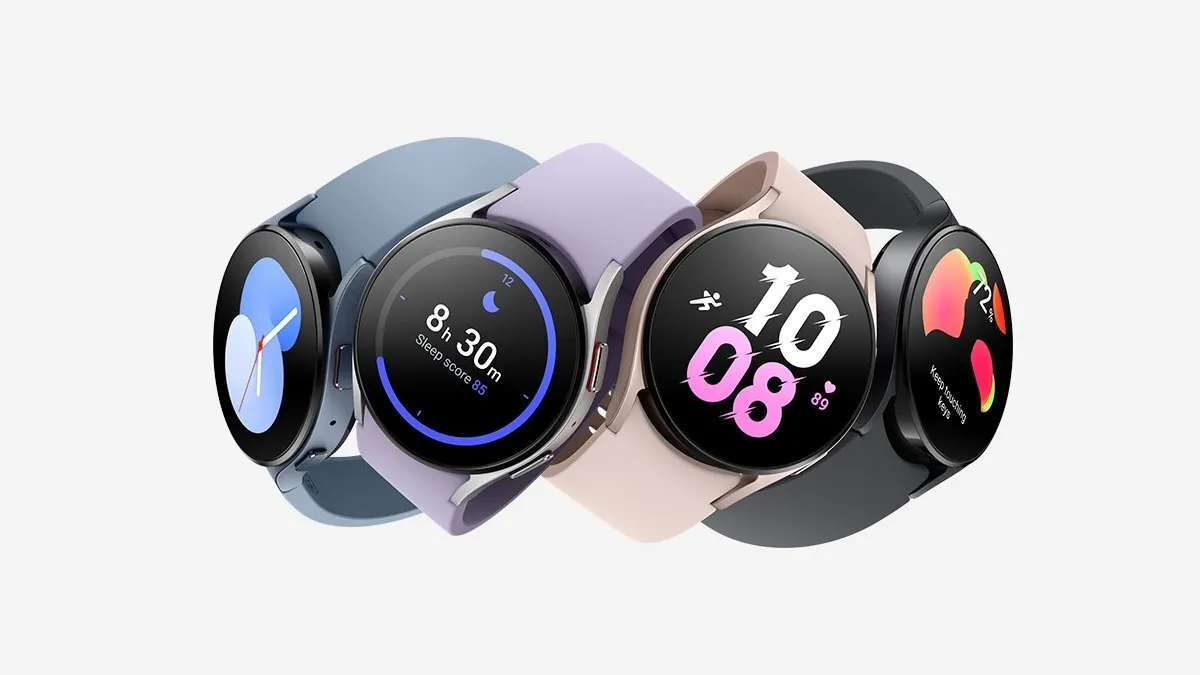
Samsung has started rolling out a new update that finally makes use of the Galaxy Watch 5's skin temperature sensor. The latest update will allow female users to track their menstrual cycles more accurately.
The Galaxy Watch 5's infrared sensor measures the basal body temperature to predict the cycle. This new cycle tracking feature is being pushed gradually for the Samsung Health app across 32 countries, including the US, the UK, and Korea.
How Advanced Cycle Tracking Works
While the Samsung Galaxy Watch 5 already has a Cycle Tracking feature, it is based on a calendar-based method. The latest update ensures that the Watch 5 utilizes its infrared temperature sensor to measure the basal temperature.
For those in the dark, menstrual cycles can be more accurately predicted by measuring basal body temperature (BBT). The temperature is typically noted immediately upon waking up, which ensures that the reading is not adversely affected by the ambient temperature or heightened by physical activity.

It might be a tad inconvenient to note down your temperature as soon as you wake up, and you may even forget about it on occasion. With the new Cycle Tracking update, your smartwatch will automatically register your BBT reading, and that's if you're okay with going to bed with the Watch 5 on your wrist.
Samsung adds that it has partnered with Natural Cycles to improve its Cycle Tracking feature. The Galaxy Watch 5's advanced monitoring features make it easier to keep tabs on the ovulation cycle and forecast the next period.
How to Monitor Your Cycle With the Galaxy Watch 5
To reap the full benefits of the period monitoring feature, you will first have to select "Cycle Tracking" in the Samsung Health app and enter relevant details about your cycle. Then, you'll have to navigate to settings and enable the option called "Predict period with skin temp".
The app will display a graph that includes all the readings from the previous month, along with the upcoming fertile window. Samsung claims that all the information entered is encrypted and stored on the user's device.
-
 54,999
 -
 99,999
 -
 1,44,900
 -
 89,998
 -
 46,500
 -
 57,998
 -
 53,989
 -
 1,59,999
 -
 1,29,999
 -
 99,999
-
 70,499
 -
 1,56,900
 -
 1,30,990
 -
 17,084
 -
 16,999
 -
 30,999
 -
 9,999
9,999 -
 79,900
 -
 8,999
8,999 -
 79,999
-
 20,999
 -
 37,999
 -
 25,999
 -
 31,999
 -
 24,999
 -
 10,999
 -
 15,999
 -
 45,999
 -
 19,499
 -
 1,61,999
-1763362932432.svg)

 Continue with Google

