A Oneindia Venture
Get Updates
Get notified on the latest car launches, bike deals, and insights!
Manage your notification subscription by clicking on the icon.
To start receiving timely alerts, as shown below click on the Green .lock. icon next to the address bar
Click it and Unblock the Notifications
Close X
Close X
To Start receiving timely alerts please follow the below steps:
Click on the Menu icon of the browser, it opens up a list of options.
Click on the .Options ., it opens up the settings page,
Here click on the .Privacy & Security. options listed on the left hand side of the page.
Scroll down the page to the .Permission. section .
Here click on the .Settings. tab of the Notification option.
A pop up will open with all listed sites, select the option .ALLOW., for the respective site under the status head to allow the notification.
Once the changes is done, click on the .Save Changes. option to save the changes.
Notifications
Clear All
No Notifications
Choose Language
English
हिंदी
ಕನ್ನಡ
മലയാളം
தமிழ்
తెలుగు
News
Reviews
Features
Videos
Mobile News
Deals of the Day
Artificial Intelligence
Gaming
Home
Topic
Memory
Latest Memory News
ARM Predicts 64-bit LTE Smartphones will ship for under Rs 4,500
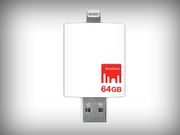
Strontium Launches Storage Products for Apple Devices
Logic, Memory Combined to Build 'High-Rise' Chip
Mugen Power Introduces Motorola Moto X Case With 2800mAh battery, MicroSD Slot
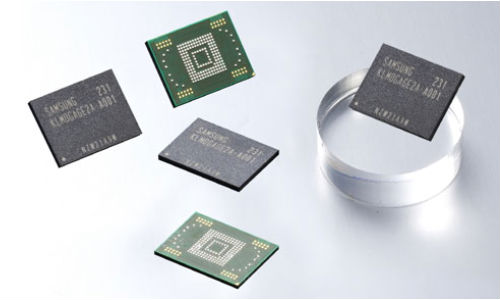
Samsung Prepping 128 GB flash chips for Smartphone and Tablet
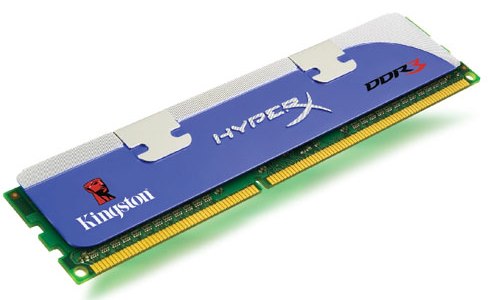
How to Add RAM to Your Laptop?
Stay Connected