
Best Photo Editing Apps 2025
Best Photo Editing Apps | The evolution of photo editing apps for Android and iOS has significantly democratized the art of photography, allowing both novices and experts to refine their photos with ease. These applications transform mobile devices into portable editing studios, offering a range of features, from basic retouching to advanced photo manipulation. Among the array of options available, here are the best photo editing apps on mobile in 2025.
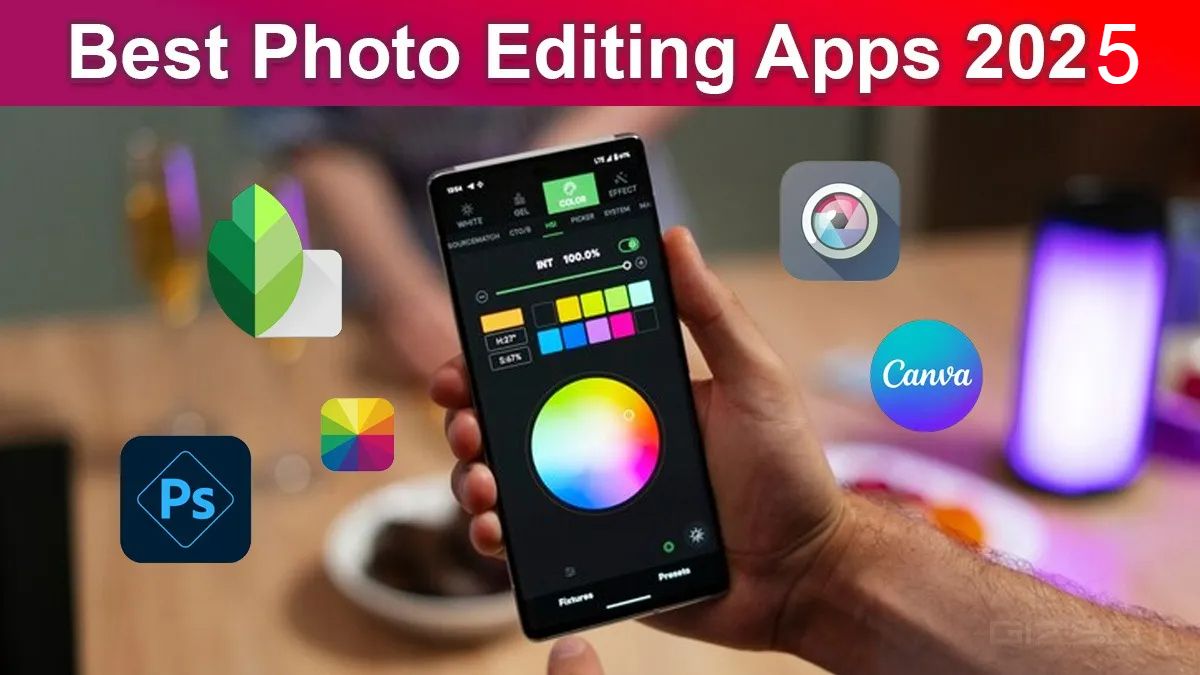
Top 5 Must Try Photo Editing Apps List Here
1. Snapseed
Snapseed stands out as a premier choice for photo editing on Android and iOS, thanks to its exhaustive selection of editing tools that rival those found in desktop software. It's particularly noted for being completely free and devoid of ads, along with offering an extensive library of tutorials to assist users in honing their editing skills. Despite its many advantages, it's important for users to carefully review their edits, as changes are irreversible once saved or exported.
2. Adobe Photoshop Express
Another noteworthy app is Adobe Photoshop Express, which brings the renowned editing prowess of Adobe to mobile users in a streamlined format. It boasts a plethora of editing tools, filters, and the ability to share edited images directly to social media. Although it offers detailed tutorials for beginners, it falls short by not including some of the more advanced features found in its desktop counterpart.

3. Pixlr
For those just starting out, Pixlr by Autodesk presents an ideal solution with its intuitive interface and range of simple-to-use editing tools, including layer editing and a wide array of effects. However, it has limitations, such as the absence of TIFF image format support and a somewhat restricted help section for certain queries.
4. Fotor
Fotor emerges as another impressive option, appealing to both beginners and experienced photo editors with its robust filters and editing tools. It's distinguished by its fast graphics engine and professional editing features, alongside a vibrant social network for users to share their work and gain inspiration from others.

5. Canva
Canva is a user-friendly design tool that helps create professional visuals quickly, using templates and a drag-and-drop interface. Ideal for social media, presentations, and marketing materials, it requires no design experience. Canva Pro adds advanced features like brand kits and premium assets. Perfect for teams, it streamlines collaboration and boosts creativity.
FaQs
Look for a range of editing tools, ease of use, support for various image formats, and features like filters, layers, and non-destructive editing.
Yes, many photo editing apps are designed with user-friendly interfaces and tutorials, making them accessible for beginners while still offering advanced tools for experts.
While some mobile apps offer robust features, they may lack the full capabilities of desktop software. However, they are optimized for quick edits and on-the-go adjustments.
Not all apps support high-resolution formats. Some are limited to standard formats like JPEG and PNG, so it’s important to check compatibility based on your needs.
Yes, many apps support collaborative features, allowing multiple users to edit and review designs in real time, which is useful for team projects.
Free apps often offer a wide range of basic tools, but premium versions unlock advanced features, remove ads, and provide access to exclusive assets, which can enhance the editing experience.













 Click it and Unblock the Notifications

 Continue with Google